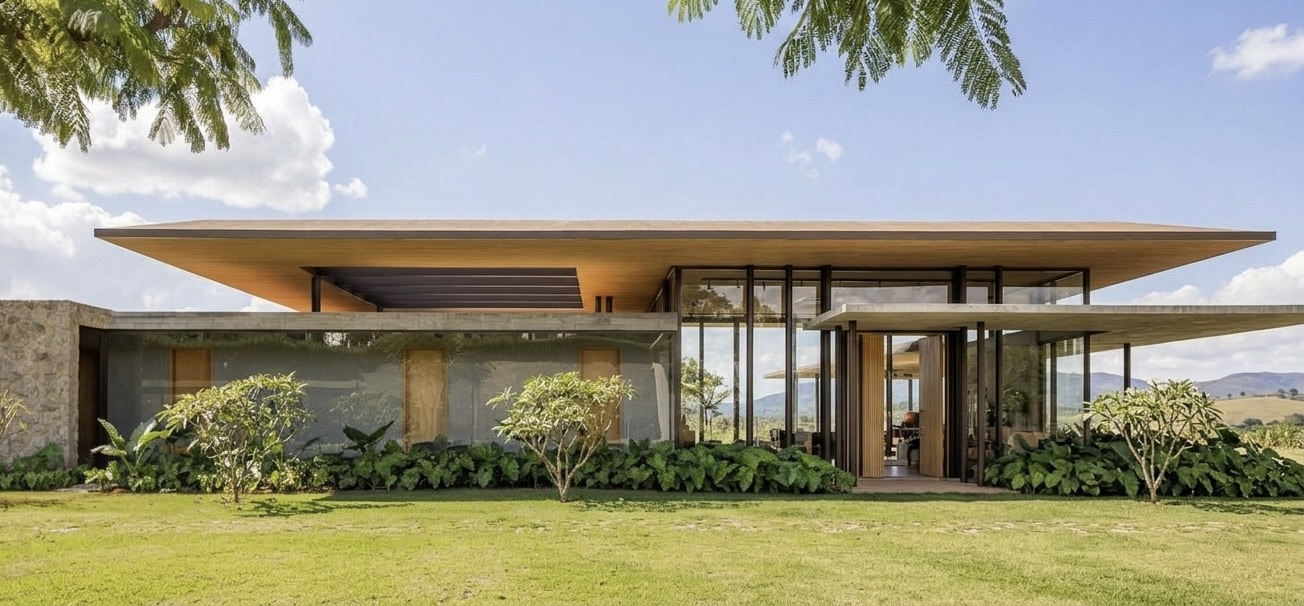
Turn Your Enscape Renders into 4K Photoreal in Seconds
Already using Enscape? ReRender AI upscales your output to 4K photorealistic quality — enhancing every material detail from structural surfaces to fine finishing touches. No rebuild, no new workflow, just better results.
Start renderingBuilt for teams who present renders to clients
Enscape users across architecture and interior design studios use ReRender AI to deliver photoreal results in seconds — without changing how they model or render.
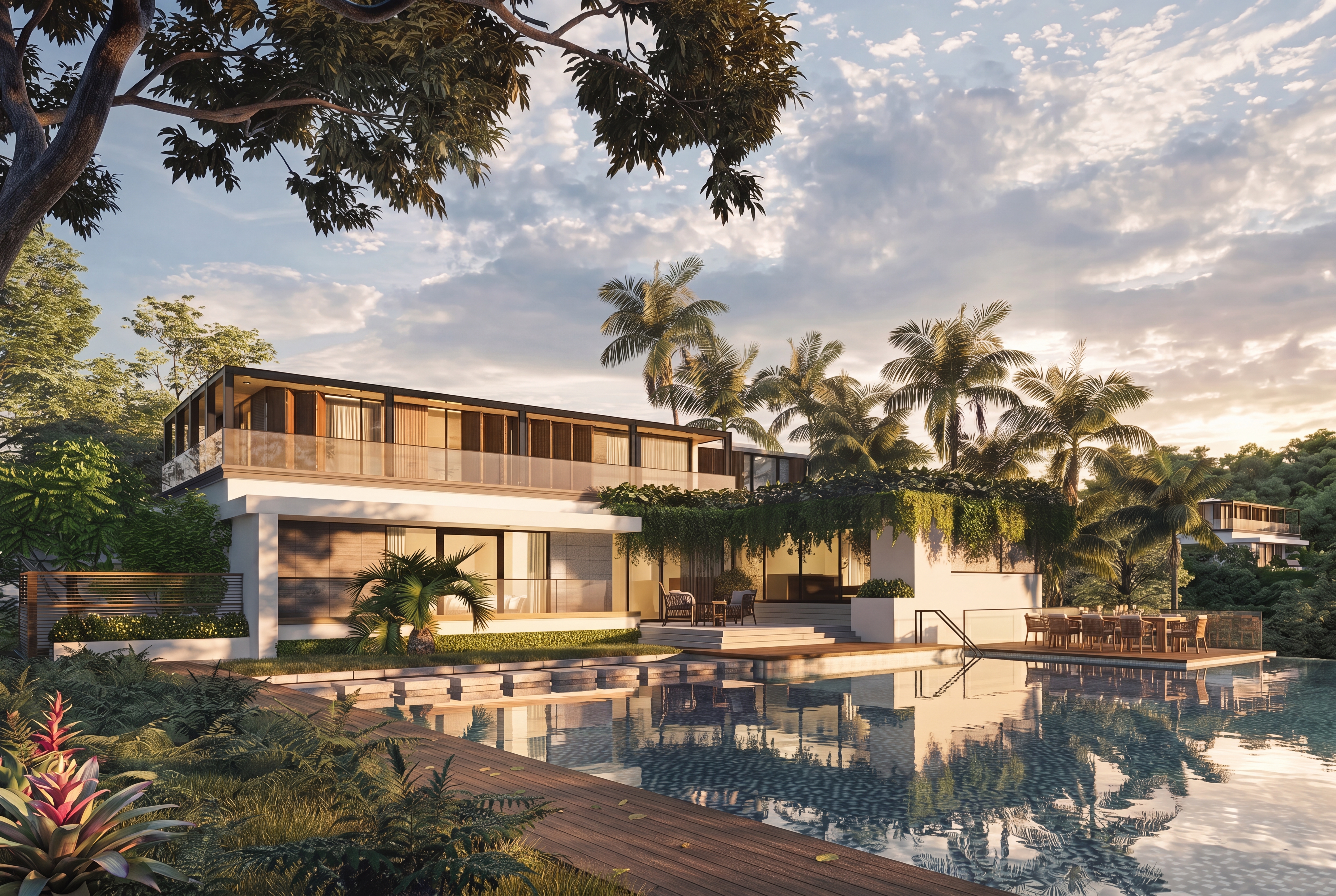
Same Enscape Model. Enhanced by ReRender AI.
Every material detail enhanced to 4K photoreal quality. From the ripple of pool water reflections to the texture of timber decking and lush tropical foliage — surface realism that elevates your design work to the standard of a professional architectural portfolio.
Three steps from Enscape to 4K photoreal
Your existing Enscape workflow stays exactly the same. ReRender AI adds one step at the end — and that one step makes all the difference in material detail and surface realism.
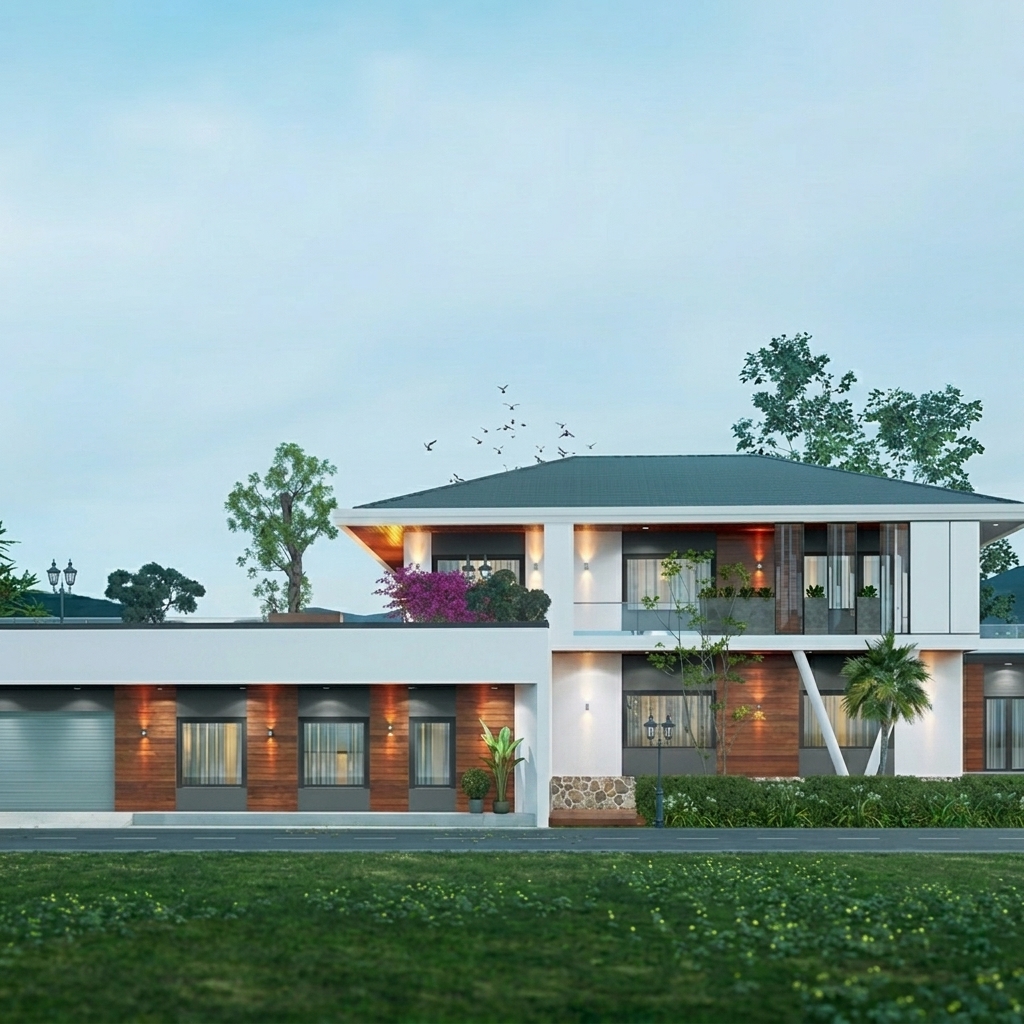
Export your Enscape output
Render your scene in Enscape as you normally would. Export the result as an image file. No changes to your existing workflow required.
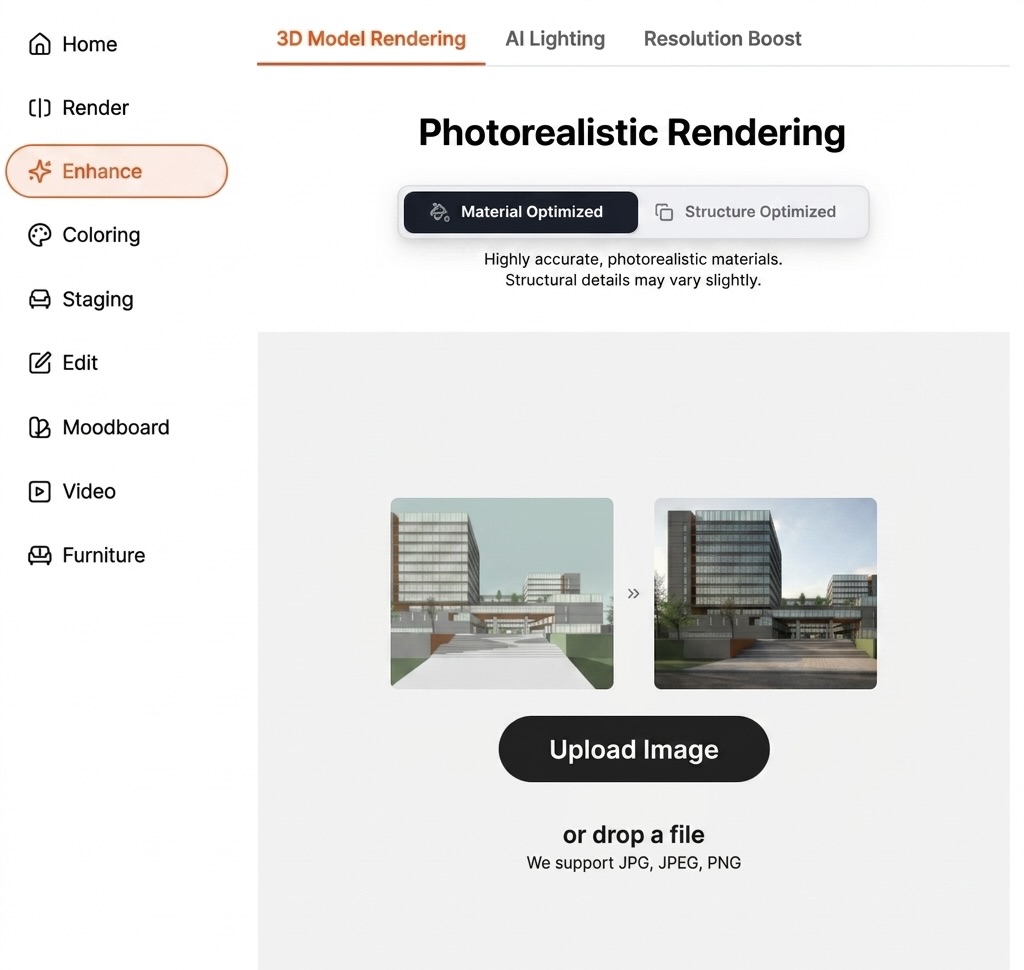
Select Enhance and Choose Material Optimized
Open ReRender AI and select Enhance from the left menu. Choose Material Optimized for highly accurate, photorealistic material details across every surface.
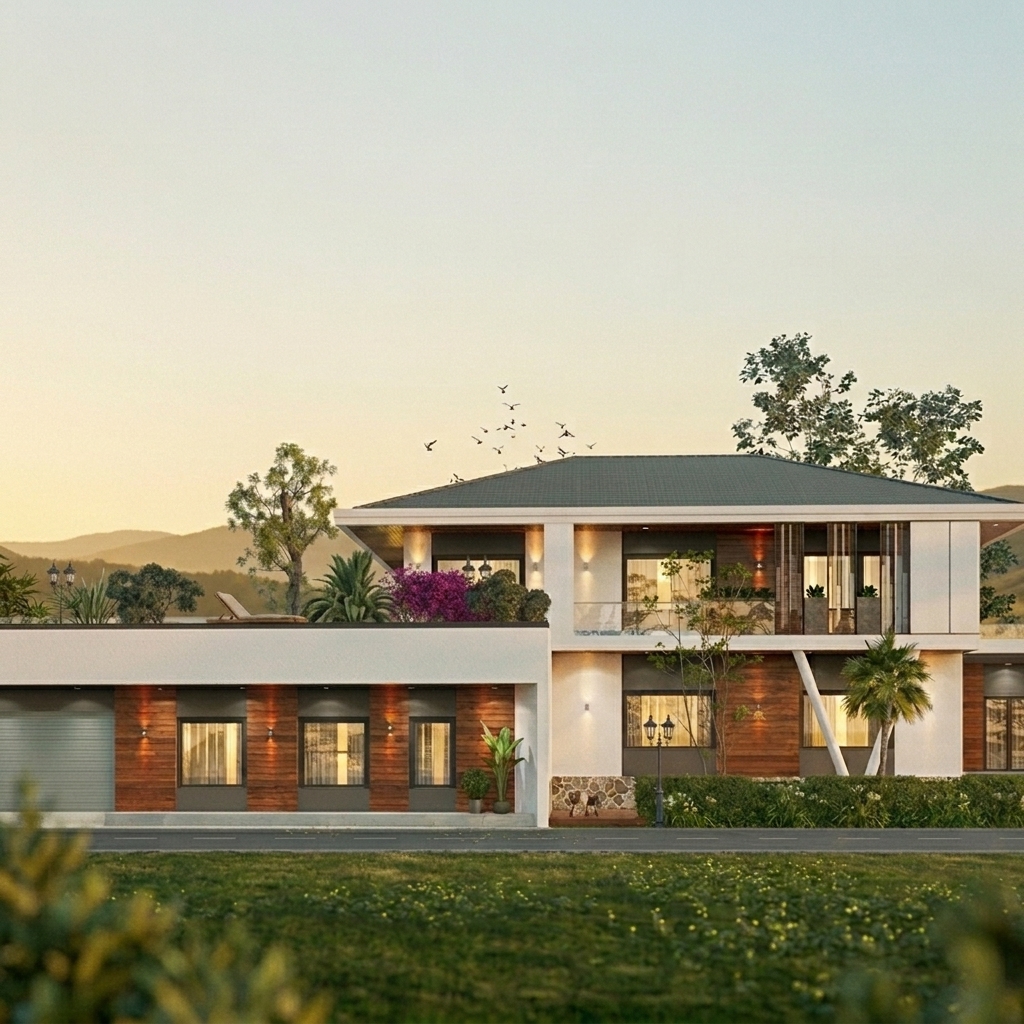
Get 4K photoreal results in 30 seconds
ReRender AI enhances every surface detail to 4K photorealistic quality. Download your result and share with clients immediately.
What ReRender AI adds to your Enscape workflow
ReRender AI preserves your Enscape geometry and enhances every material detail to 4K photoreal quality — results that look like professional architectural photography.
From Upload to 4K in 30 Seconds
ReRender AI processes your Enscape output and delivers 4K photorealistic results in under 30 seconds. Every surface detail enhanced, no GPU upgrade required.
Material Details That Make the Difference
From timber texture to pool water reflections, ReRender AI enhances every material detail to a level of surface realism that real-time renderers can't match. The difference is visible in every surface.
Client-Ready Every Time
Present 4K photoreal renders directly during client meetings. Material details enhanced to a quality that makes your design work indistinguishable from professional architectural photography.
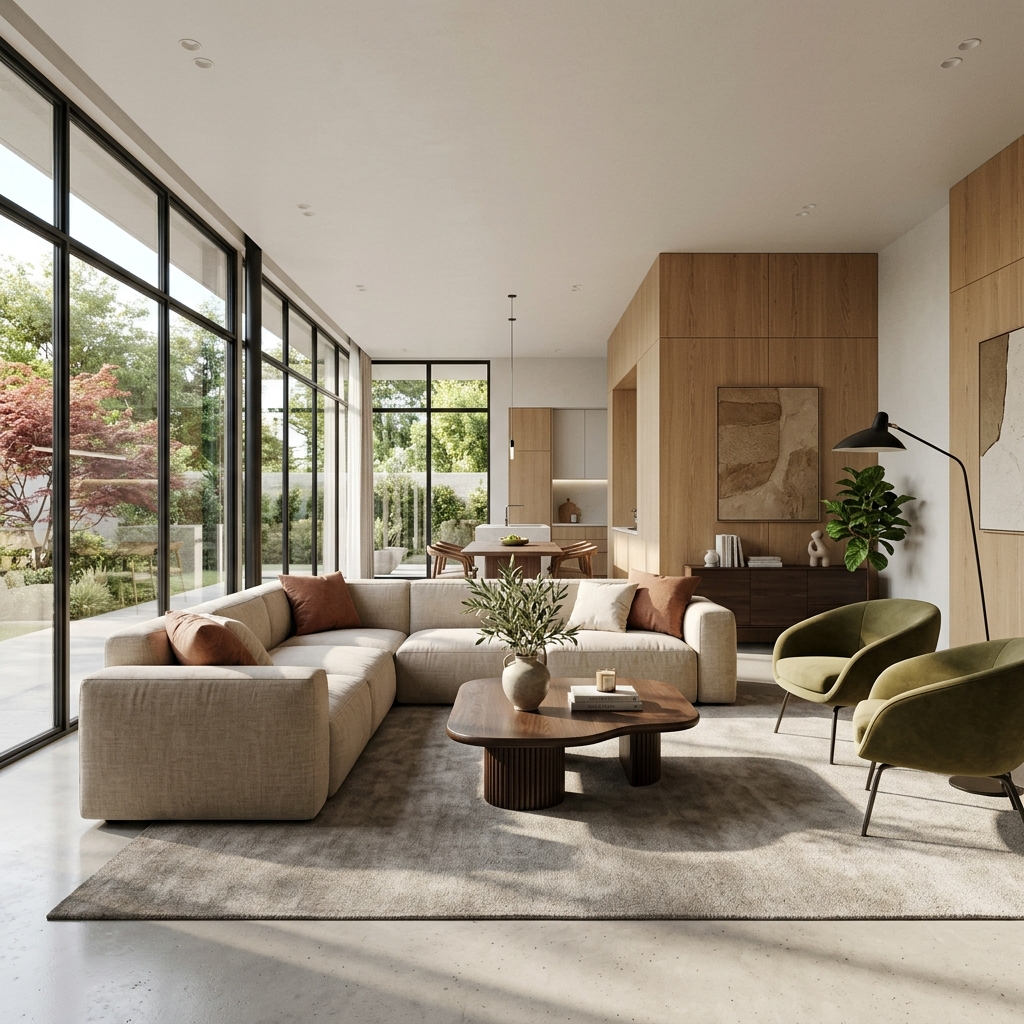
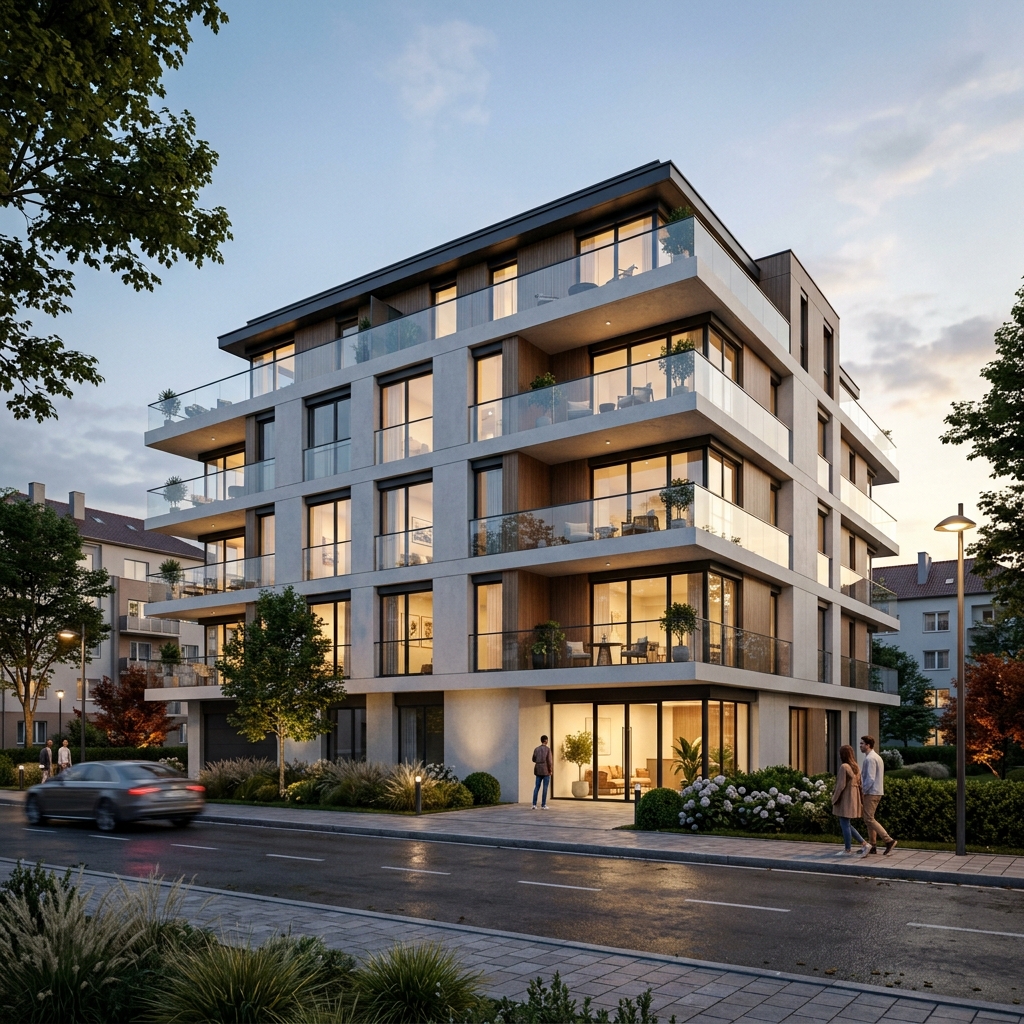
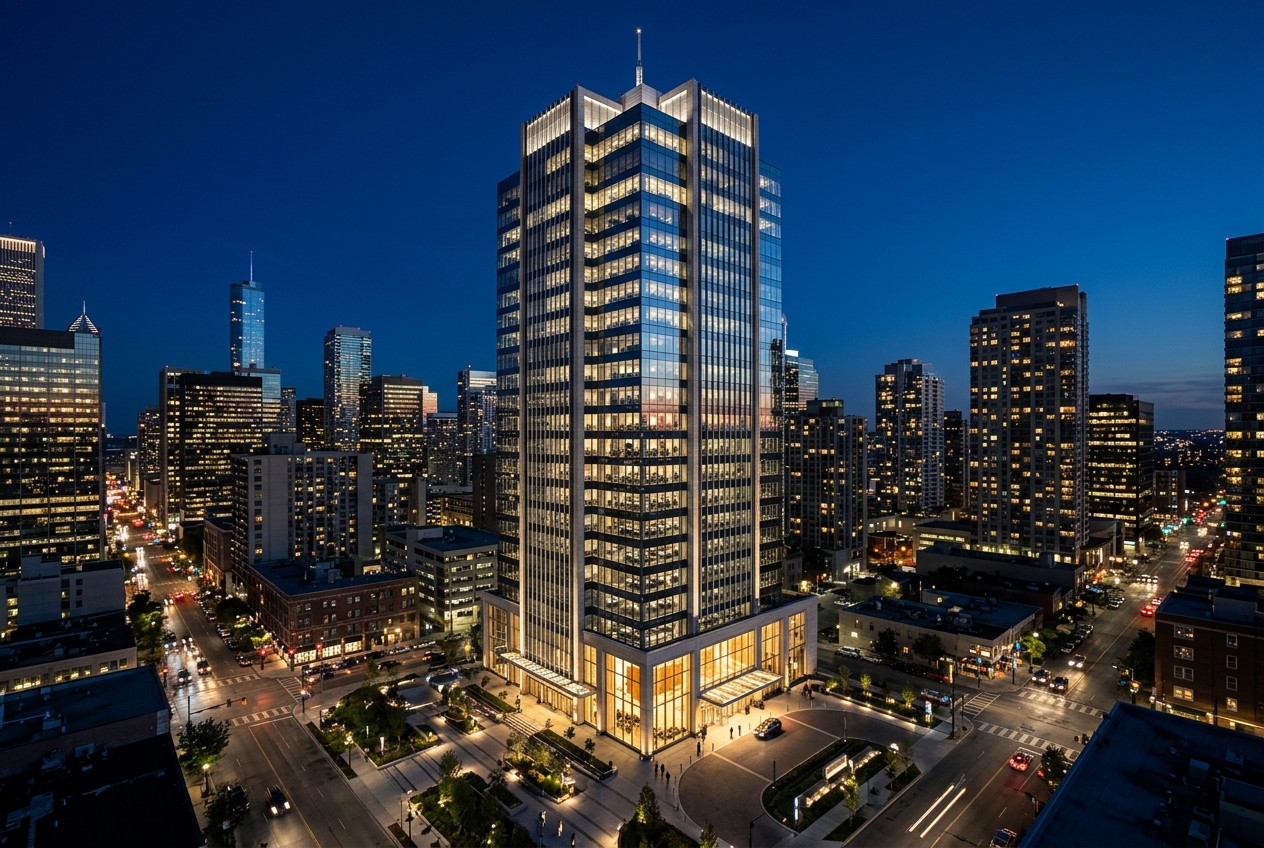
Enscape outputs processed by ReRender AI
Every image below started as an Enscape export. ReRender AI transformed each one into a 4K photoreal result in under 30 seconds.
Questions
Enscape users ask before trying ReRender AI
Do I need to rebuild my Enscape model?
No. Export your Enscape output as an image file and upload it directly to ReRender AI. Your existing workflow stays exactly the same. ReRender AI adds one step at the end, nothing before it changes.
How much better are the results compared to Enscape?
ReRender AI preserves the accurate geometry from your Enscape render and enhances every material detail and surface texture to 4K photoreal quality — results that look like professional architectural photography.
Can I present ReRender AI results directly to clients?
Yes. ReRender AI outputs are designed to be client-ready. Many architects on our platform present renders directly during meetings after processing with ReRender AI, without any additional editing.
Start Getting More from Your Enscape Renders
Upload your first Enscape output and see the difference in material detail and 4K photoreal quality in 30 seconds. No extra rendering time, no rebuild required.
Try ReRender AI Free