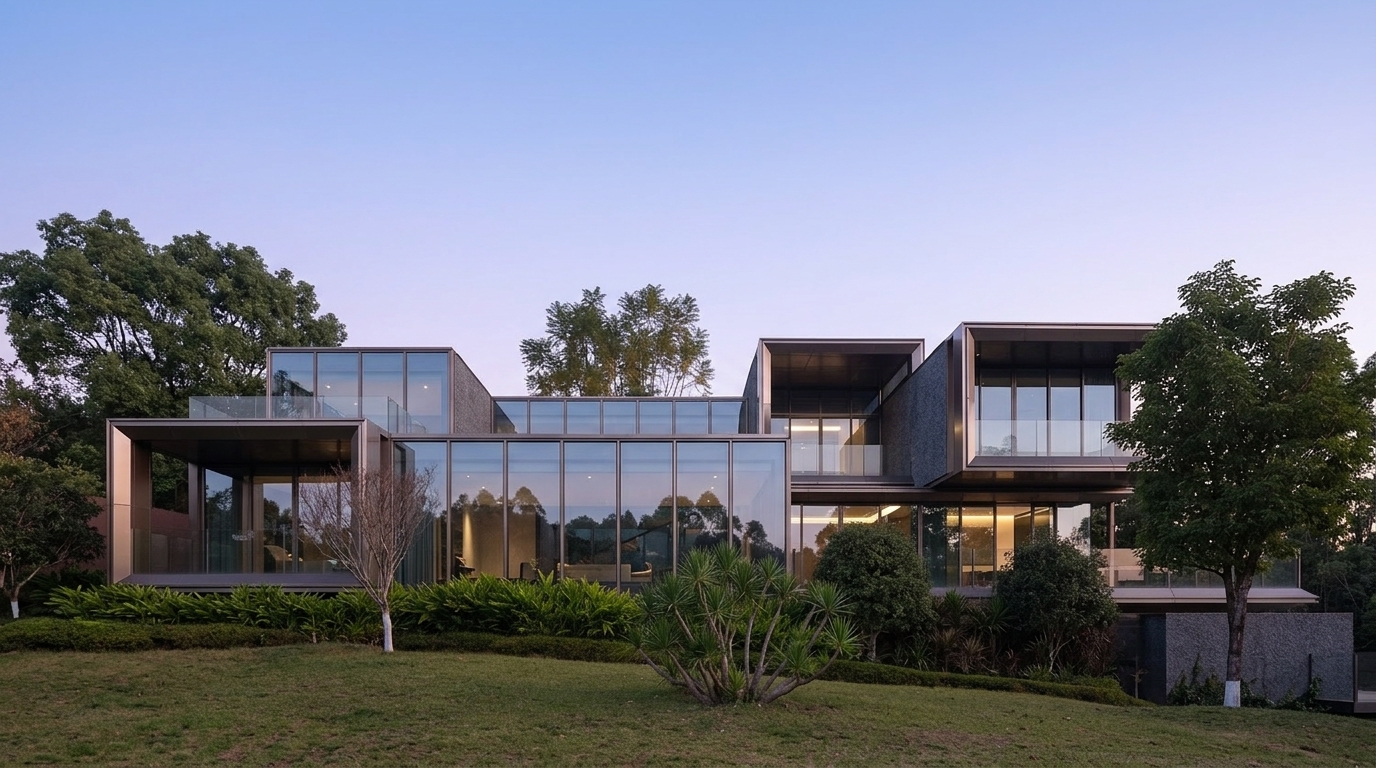
Your 3D Render, Photorealistic in Seconds
Upload any 3D model or render and get photorealistic rendering results instantly. Accurate materials, textures, structure & details preserved. No complex settings needed.
Start renderingWhat ReRender Enhance Delivers
Every render enhanced to photoreal quality — materials, structure, geometry & 4K detail preserved.
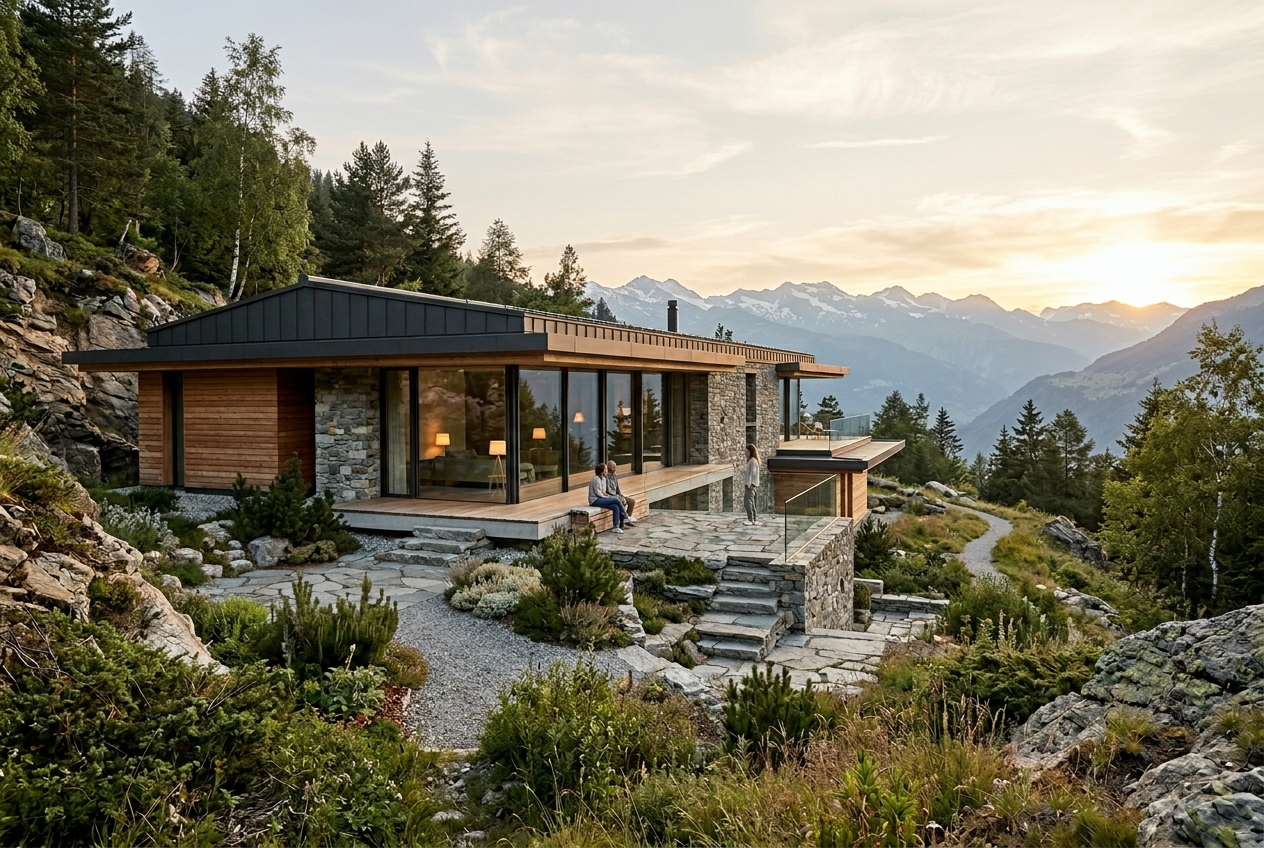
Any 3D Model or Render. Photoreal Output.
Whether it's a raw 3D model or an existing render — upload it to ReRender AI Enhance and get back a photoreal result in seconds. Accurate materials, lifelike lighting, and preserved geometry. Every time.
Upload. Enhance. Download in 4K.
No complex settings, no rebuild. Upload any 3D model or render and get a photoreal result in seconds.
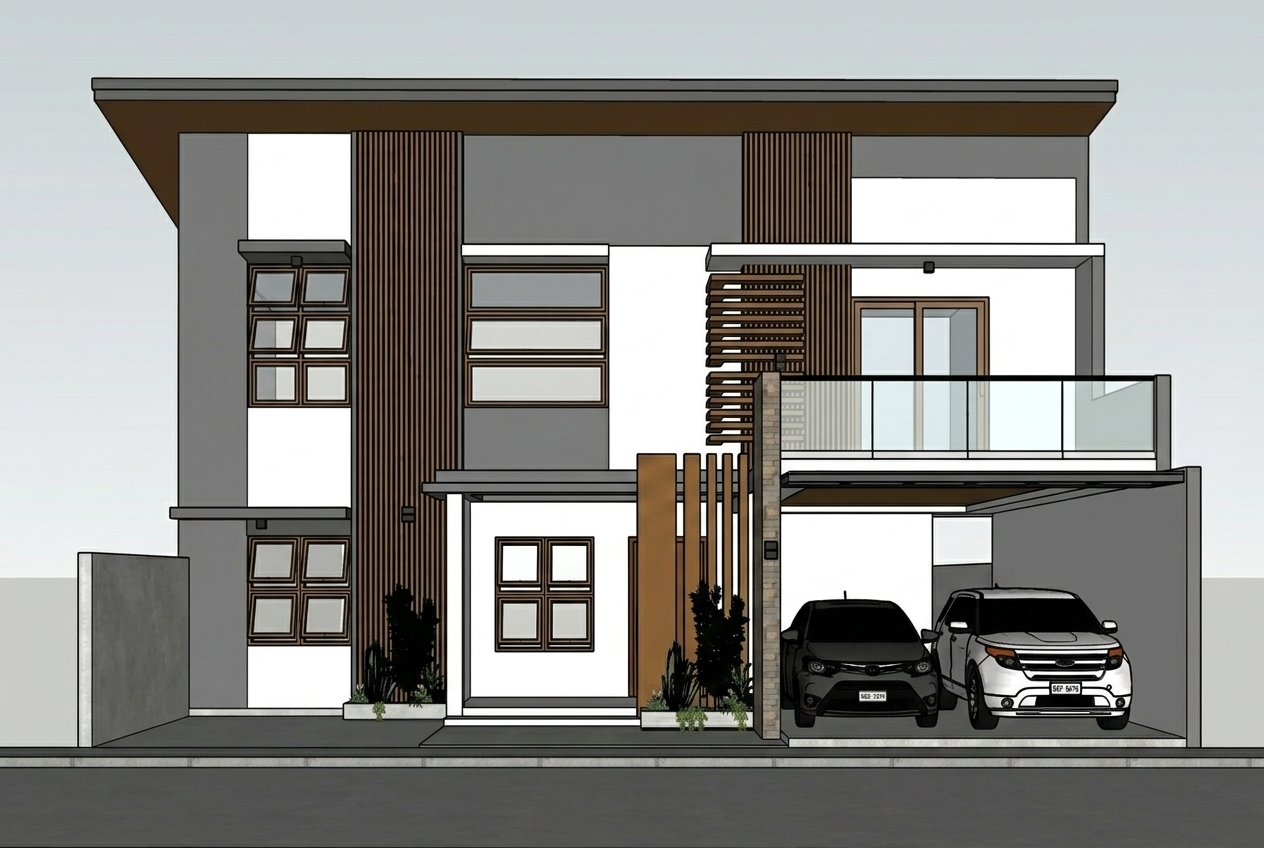
Upload Your 3D Input
Upload any 3D model snapshot, existing render, or sketch — from Blender, SketchUp, or any tool. JPG, JPEG, PNG supported.
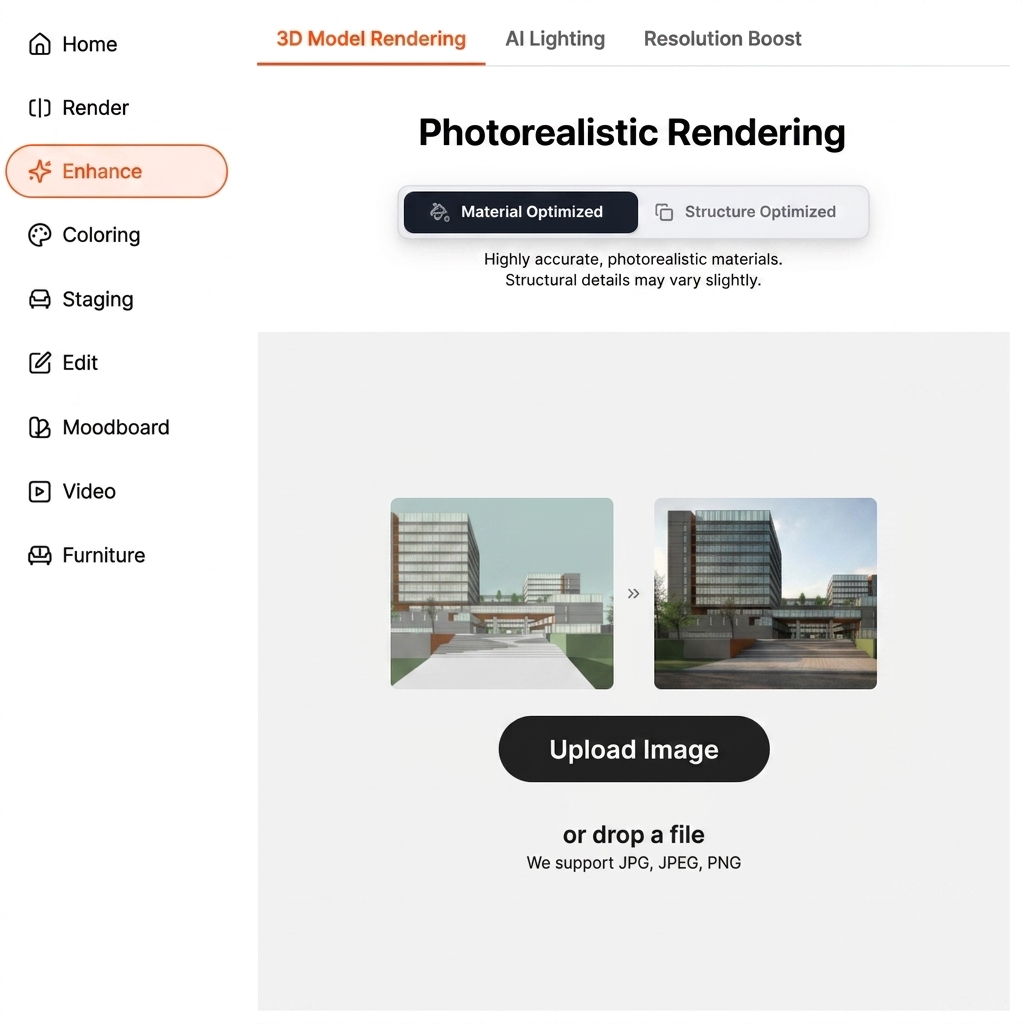
Choose Your Optimization Mode
Select Material Optimized for highly accurate, photorealistic materials. Or choose Structure Optimized to keep structural details intact. One click, no technical setup required.
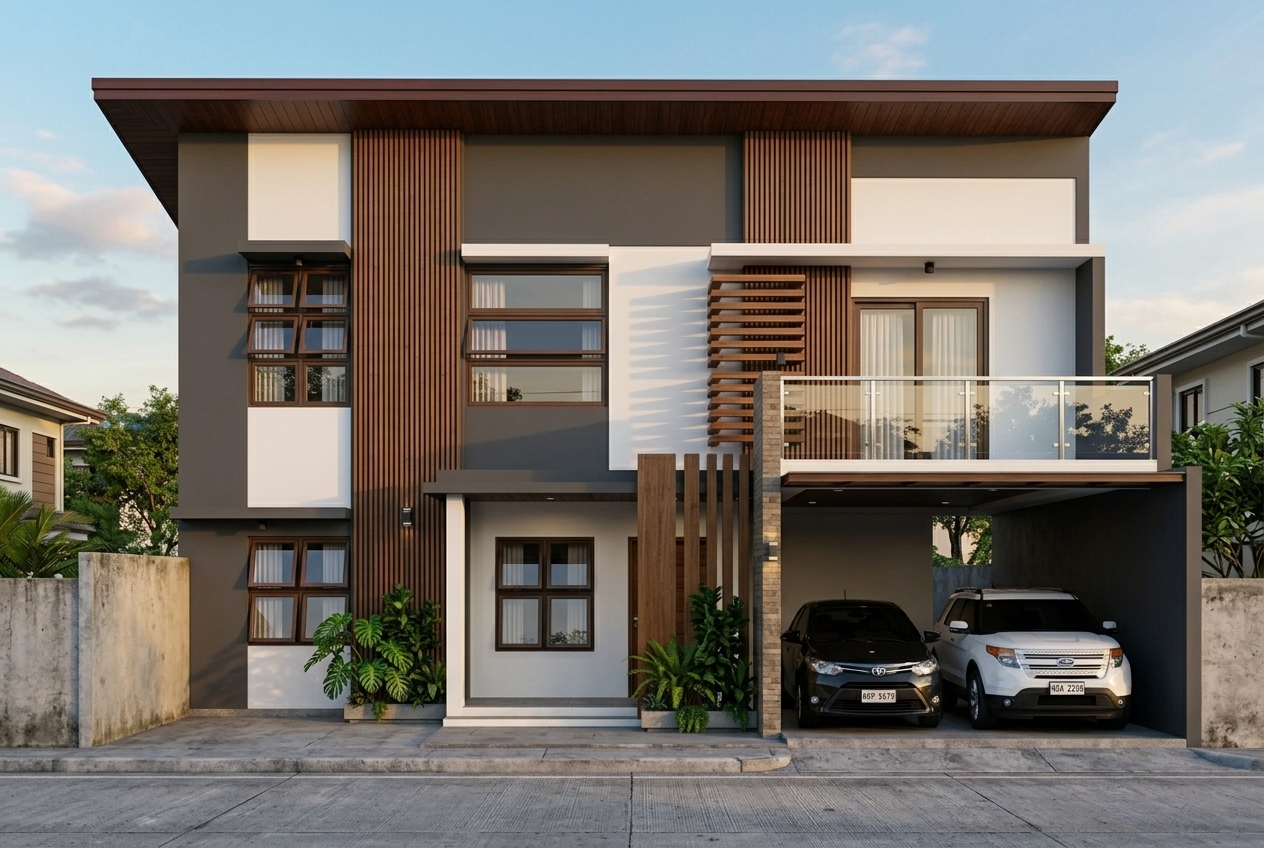
Download Your Photoreal Result
ReRender AI enhances your input to 4K photoreal quality in under 20 seconds. Download and present directly to clients.
Everything Your 3D Render Needs. Nothing It Doesn't.
From material accuracy to structural fidelity — ReRender AI Enhance handles every detail so you don't have to.
Material & Texture Accuracy
Every surface enhanced to photoreal quality — concrete, timber, glass, stone. Materials stay true to your original design while gaining photorealistic depth and detail.
Structure & Geometry Preserved
Your architectural proportions, layouts, and structural details remain intact. ReRender enhances realism without distorting what you've designed.
4K Output, Client-Ready
Every enhanced render exports in full 4K resolution. Present directly to clients, use in pitch decks, or publish to portfolios — no extra post-production required.
Any Scene. Always Photoreal.
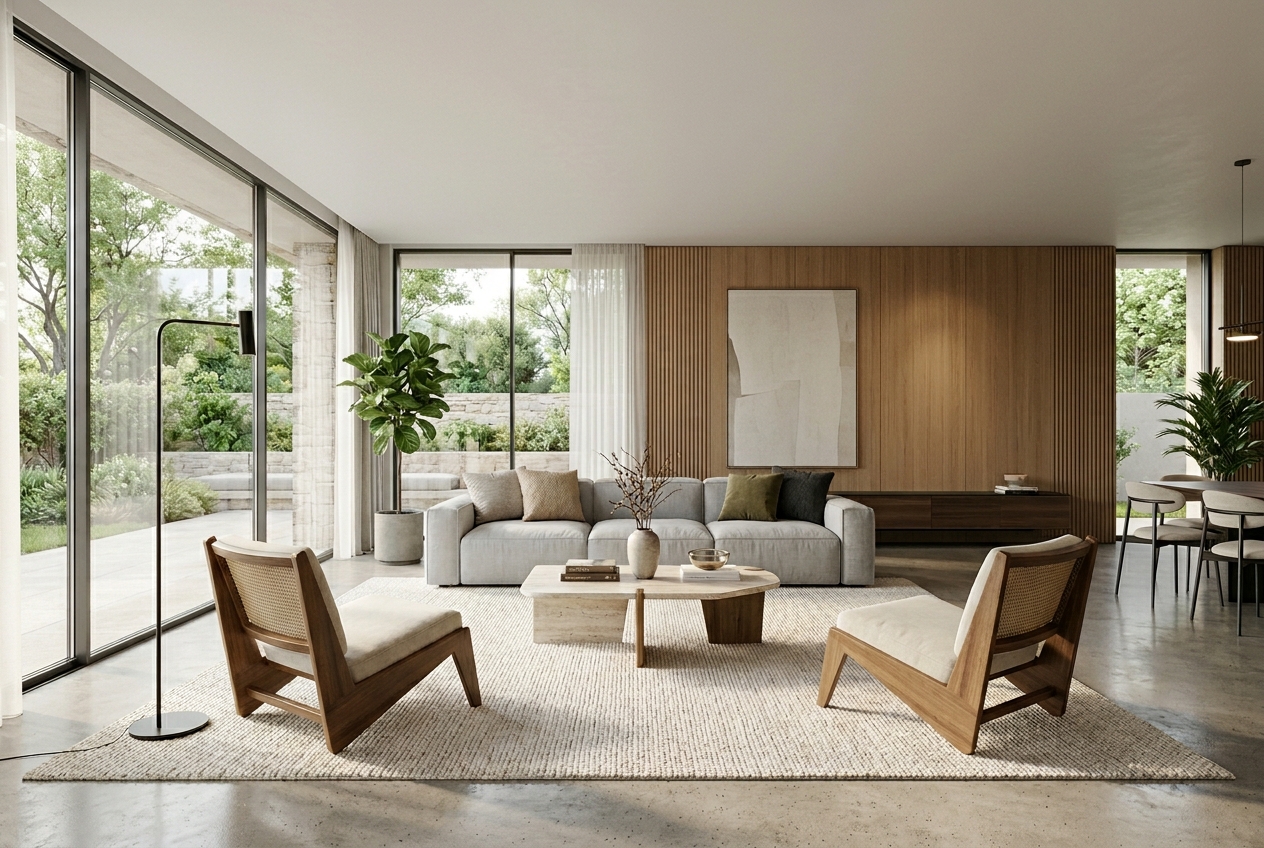
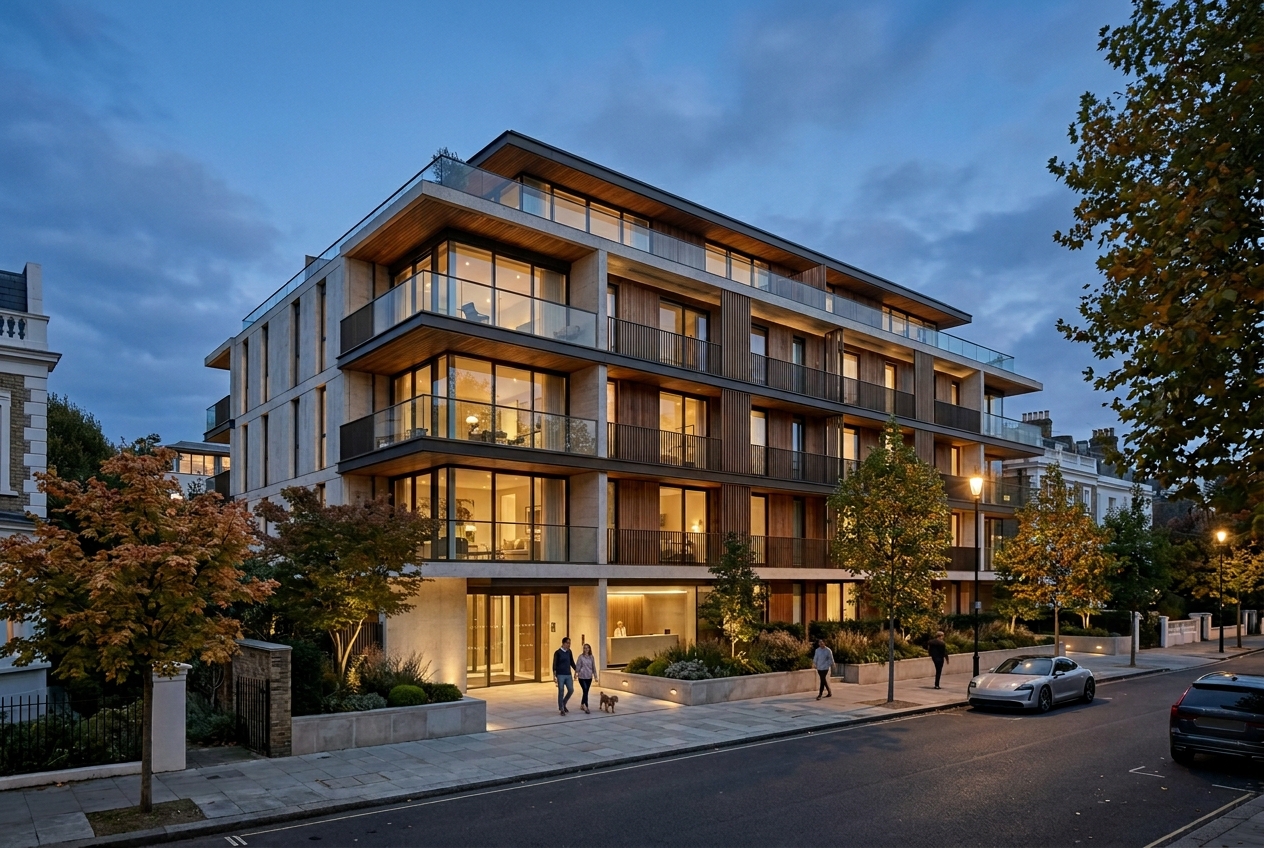
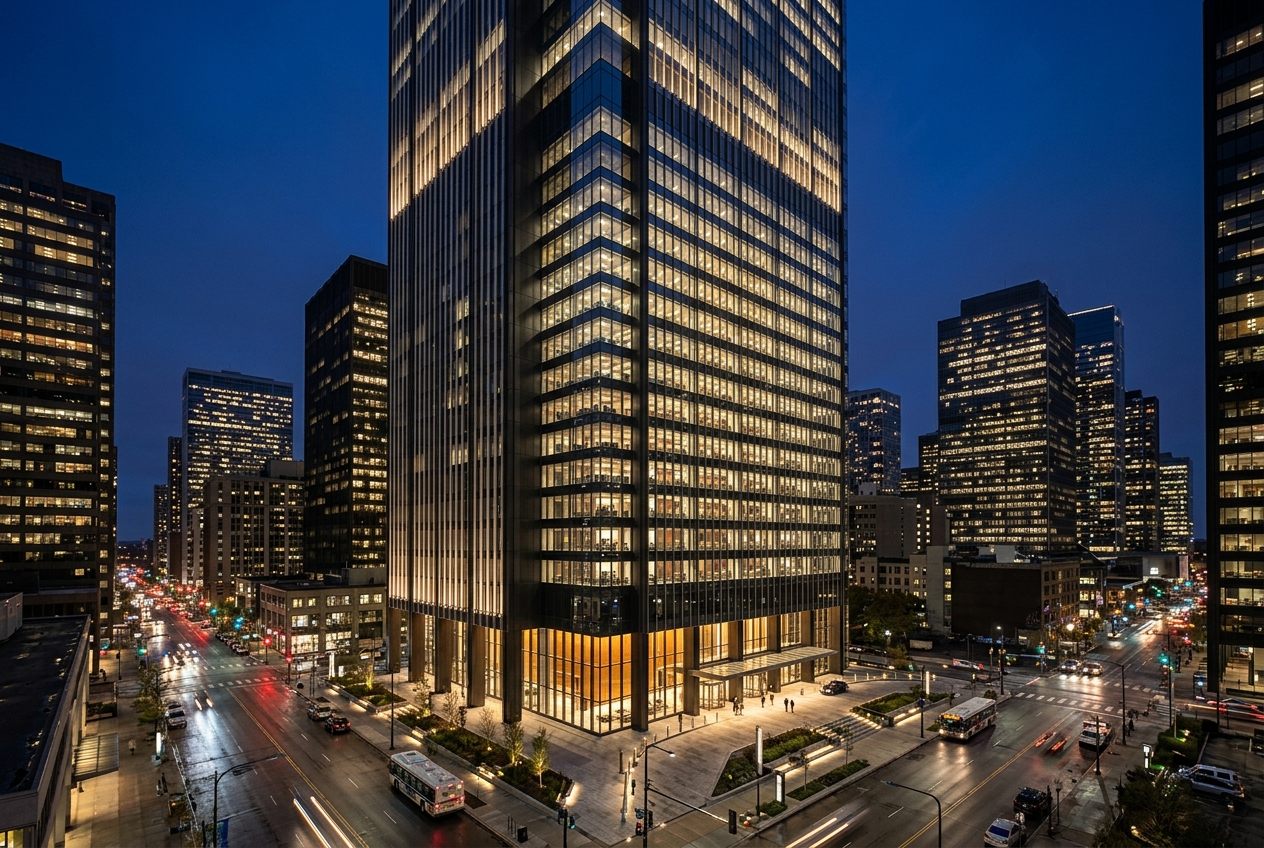
From residential interiors to commercial exteriors — see what ReRender AI Enhance delivers across every architectural scene.
Frequently Asked Questions
Everything you need to know about ReRender AI Enhance.
What types of 3D inputs does Enhance support?
Enhance works with any 3D model snapshot, existing render, or sketch — from Blender, SketchUp, Revit, 3ds Max, or any tool. Upload JPG, JPEG, or PNG and get a photoreal result in seconds.
What is the difference between Material Optimized and Structure Optimized?
Material Optimized delivers highly accurate, photorealistic materials and textures. Structure Optimized prioritizes keeping your architectural geometry and structural details intact, with materials enhanced around your original structure.
Will my original geometry and proportions be preserved?
Yes. ReRender AI Enhance is designed to preserve your architectural proportions, layout, and structural details while enhancing surface realism — your design stays intact.
Enhance Any 3D Render to Photoreal Quality.
Upload your first render today. No credit card required. 3 free renders daily, results in seconds.
Try ReRender AI Free