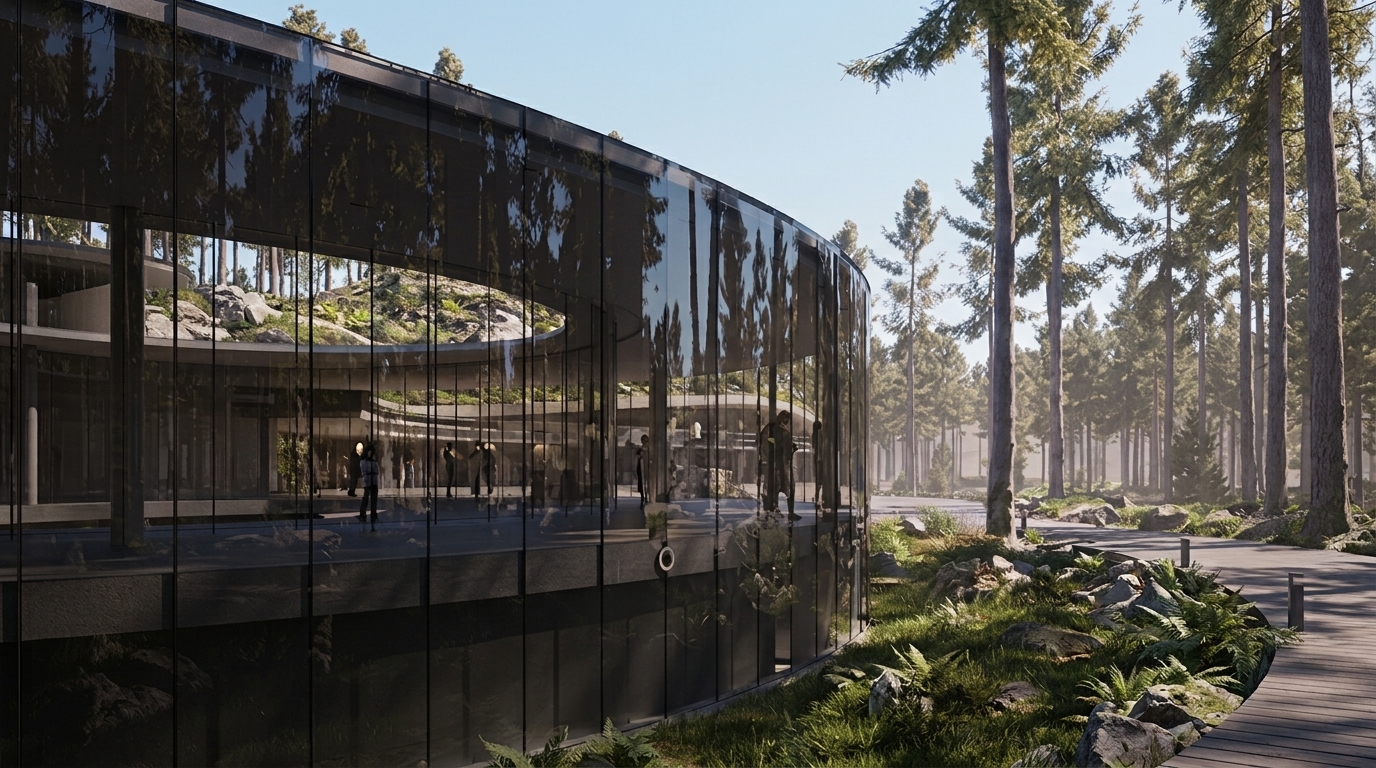
Turn Your Twinmotion Renders into 4K Photoreal in Seconds
Already using Twinmotion? ReRender AI upscales your output to 4K photorealistic quality — enhancing every material detail from structural surfaces to fine finishing touches. No rebuild, no new workflow, just better results.
Start renderingBuilt for teams who present renders to clients
Twinmotion users across architecture and interior design studios use ReRender AI to deliver photoreal results in seconds — without changing how they model or render.
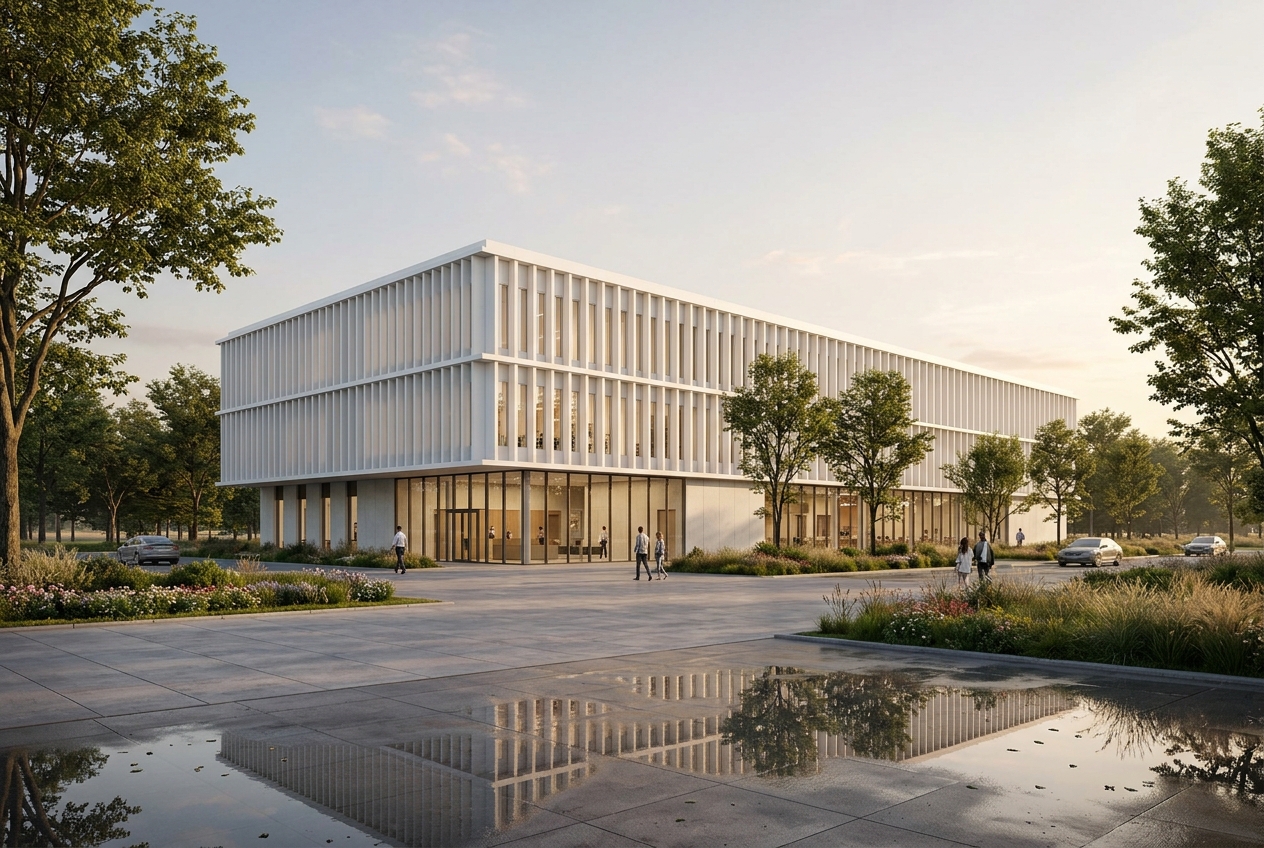
Same Twinmotion Model. Enhanced by ReRender.
Every material detail enhanced to 4K photoreal quality. From the mirror-like reflections of puddles on concrete plazas to the crisp white fins of a modern facade and soft evening light filtering through glass — surface realism that elevates your design work to the standard of a professional architectural portfolio.
Three steps from Twinmotion to 4K photoreal
Your existing Twinmotion workflow stays exactly the same. ReRender AI adds one step at the end — and that one step makes all the difference in material detail and surface realism.
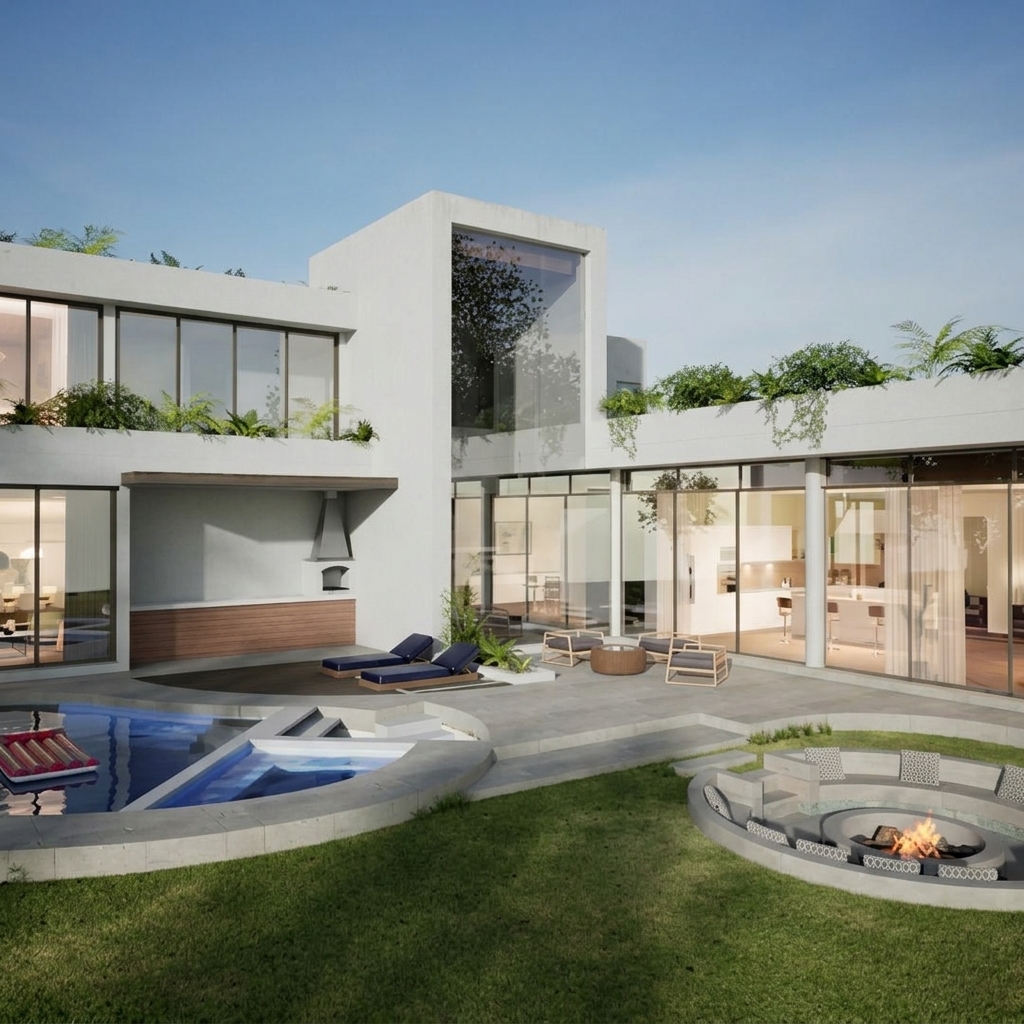
Export your Twinmotion output
Render your scene in Twinmotion as you normally would. Export the result as an image file. No changes to your existing workflow required.
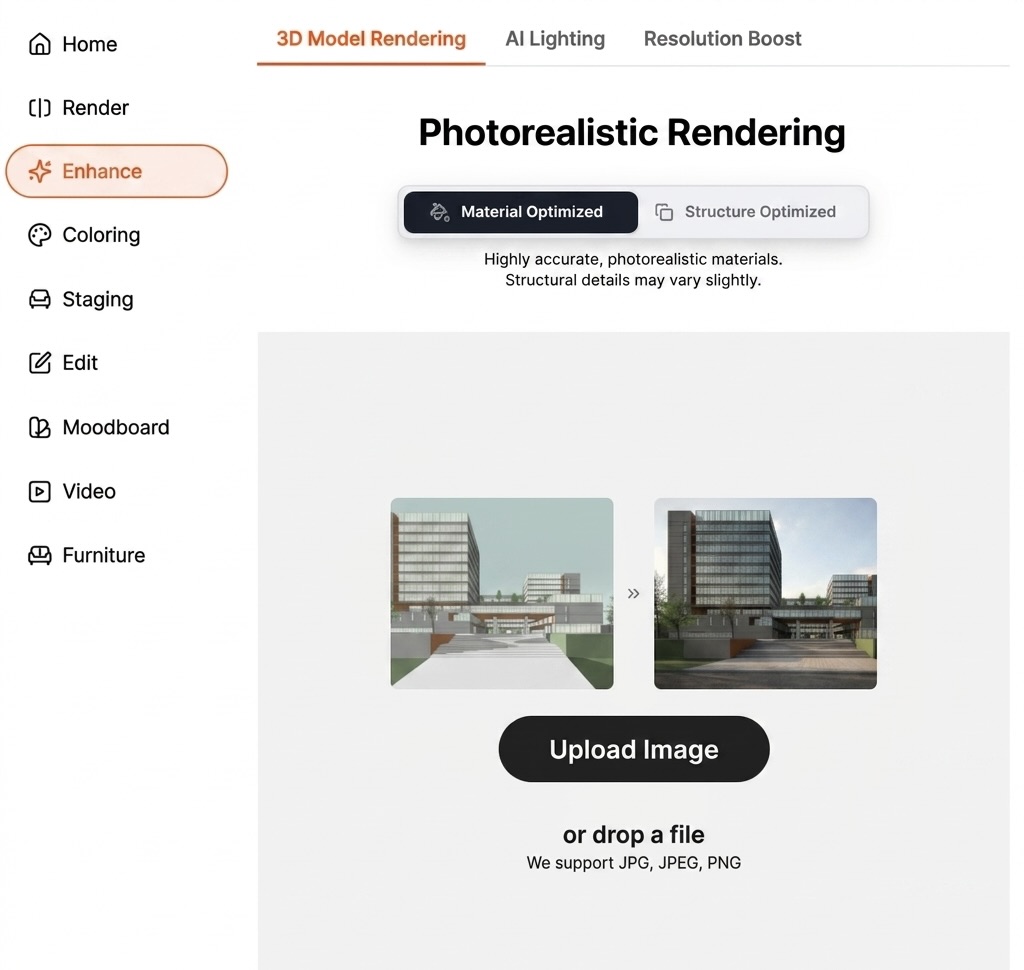
Select Enhance and Choose Material Optimized
Open ReRender AI and select Enhance from the left menu. Choose Material Optimized for highly accurate, photorealistic material details across every surface.
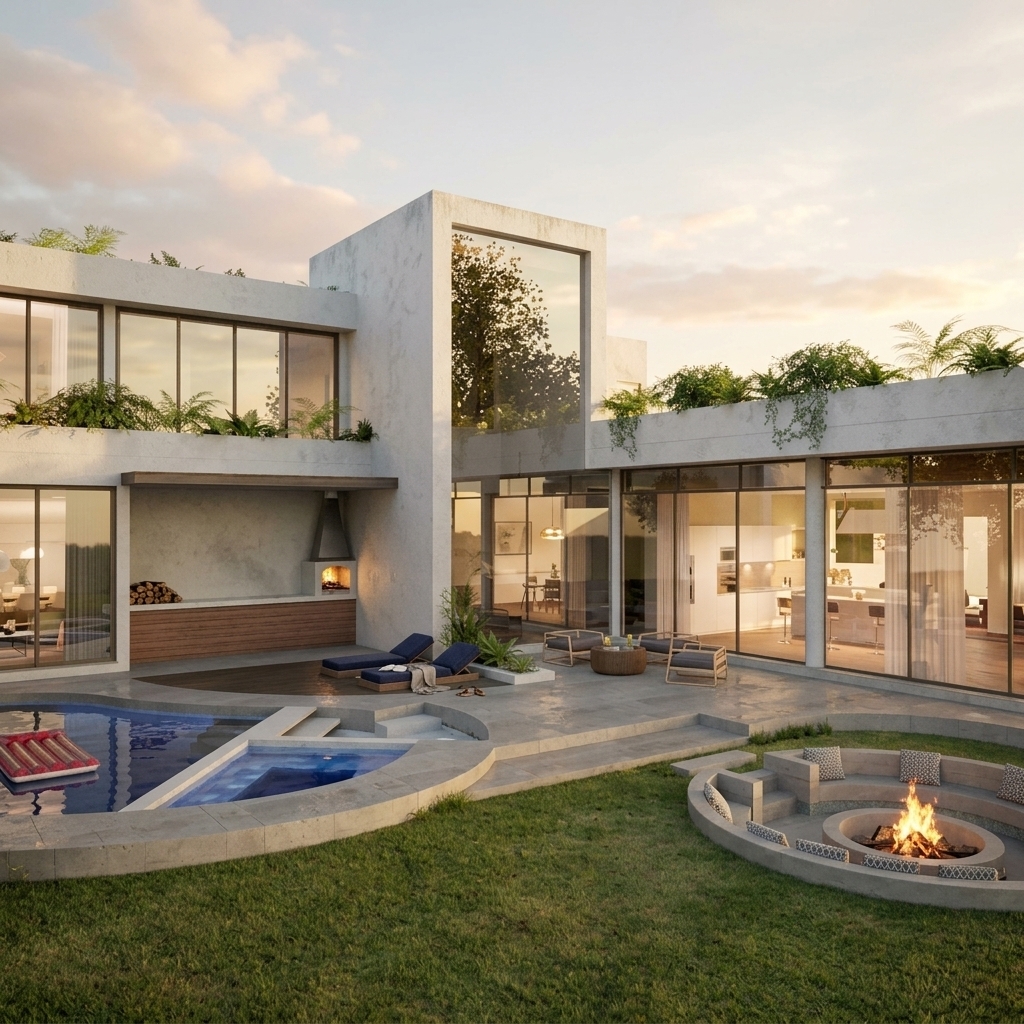
Get 4K photoreal results in 30 seconds
ReRender AI enhances every surface detail to 4K photorealistic quality. Download your result and share with clients immediately.ReRender AI enhances every surface detail to 4K photorealistic quality. Download your result and share with clients immediately.
What ReRender AI adds to your Twinmotion workflow
ReRender AI preserves your Twinmotion geometry and enhances every material detail to 4K photoreal quality — results that look like professional architectural photography.
From Upload to 4K in 30 Seconds
ReRender AI processes your Twinmotion output and delivers 4K photorealistic results in under 30 seconds. Every surface detail enhanced, no GPU upgrade required.
Material Details That Make the Difference
Translate page copy into every acFrom timber texture to pool water reflections, ReRender AI enhances every material detail to a level of surface realism that real-time renderers can't match. The difference is visible in every surface.tive market.
Client-Ready Every Time
Present 4K photoreal renders directly during client meetings. Material details enhanced to a quality that makes your design work indistinguishable from professional architectural photography.
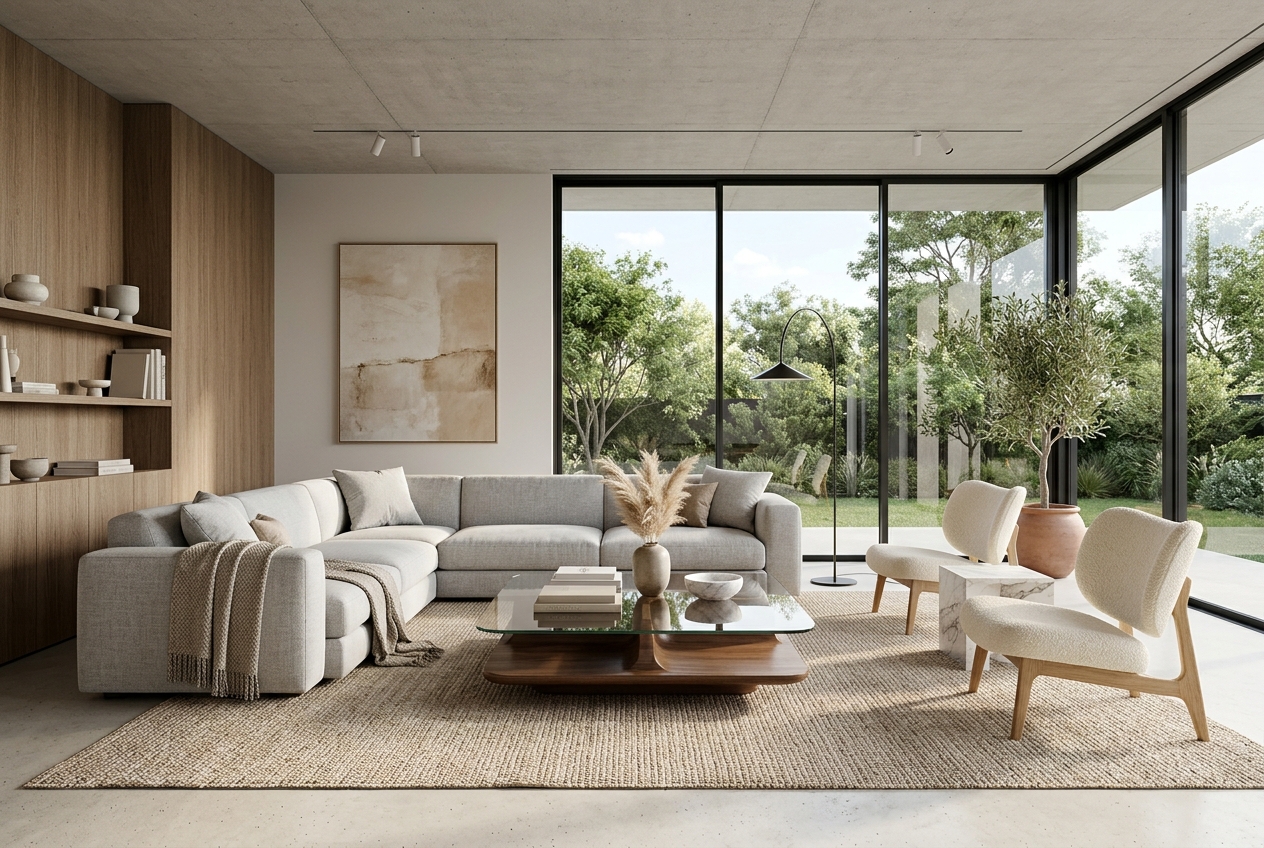
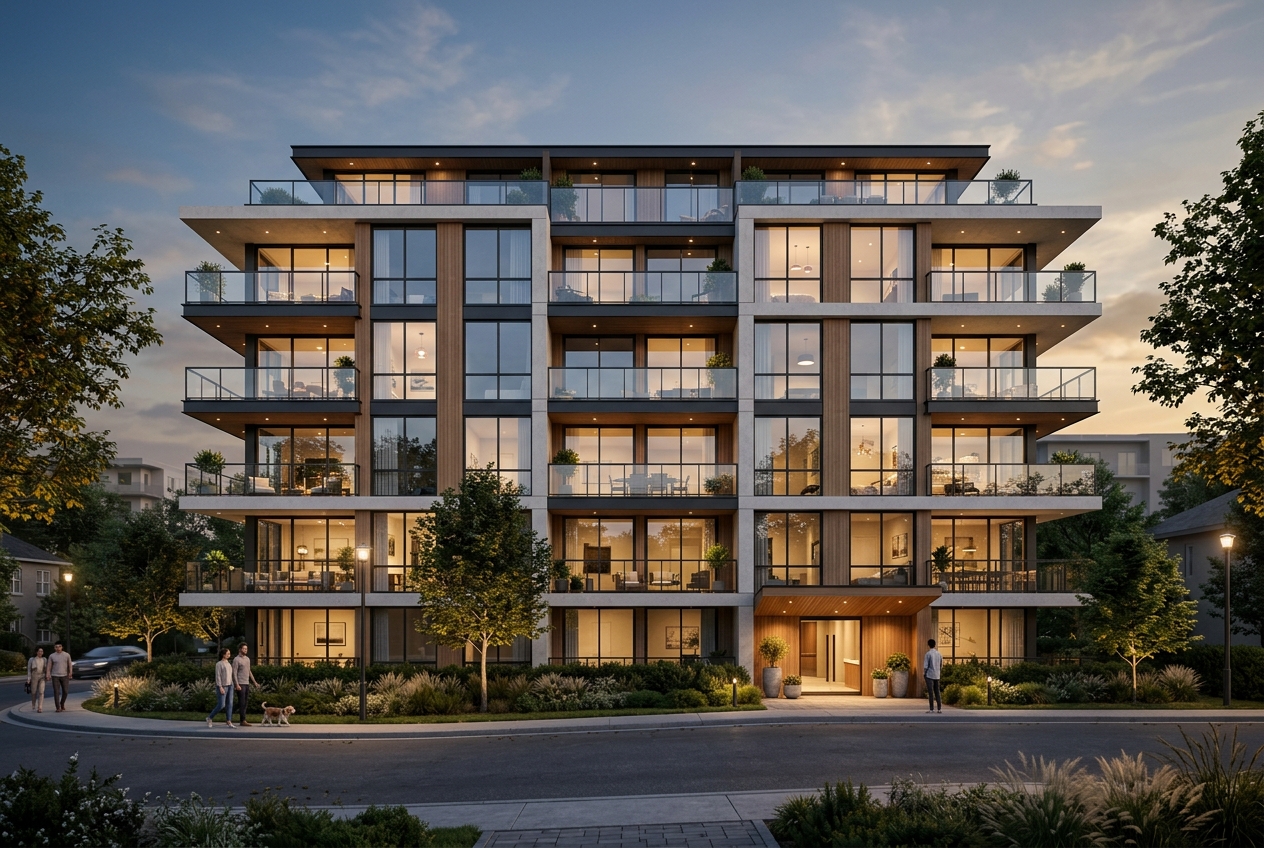
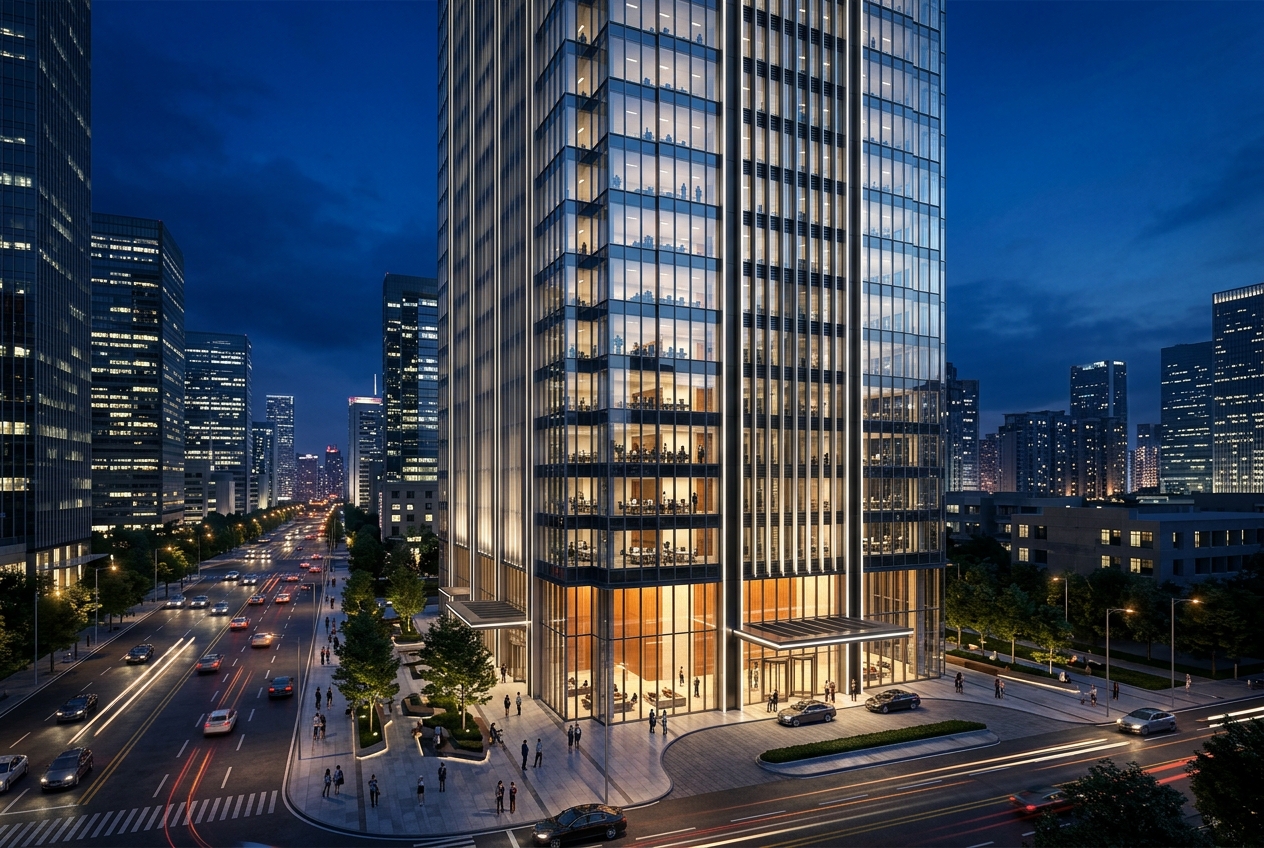
Twinmotion outputs processed by ReRender AI
Every image below started as a Twinmotion export. ReRender AI transformed each one into a 4K photoreal result in under 30 seconds.
Questions
Twinmotion users ask before trying ReRender AI
Do I need to rebuild my Twinmotion model?
No. Export your Twinmotion output as an image file and upload it directly to ReRender AI. Your existing workflow stays exactly the same. ReRender AI adds one step at the end, nothing before it changes.
How much better are the results compared to Twinmotion alone?
ReRender AI preserves the accurate geometry from your Twinmotion render and enhances every material detail and surface texture to 4K photoreal quality — results that look like professional architectural photography.
Can I present ReRender AI results directly to clients?
Yes. ReRender AI outputs are designed to be client-ready. Many architects on our platform present renders directly during meetings after processing with ReRender AI, without any additional editing.
Start Getting More from Your Twinmotion Renders
Upload your first Twinmotion output and see the difference in material detail and 4K photoreal quality in 30 seconds. No extra rendering time, no rebuild required.
Try ReRender AI Free